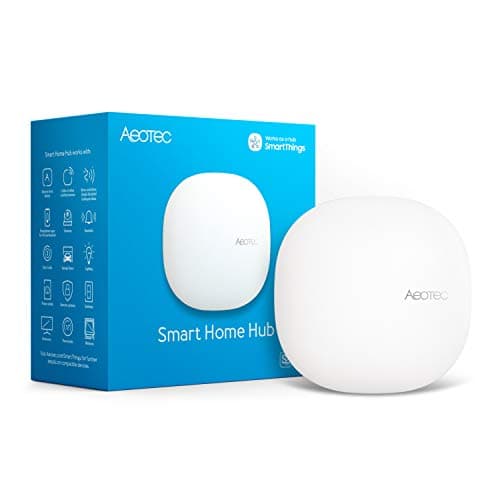
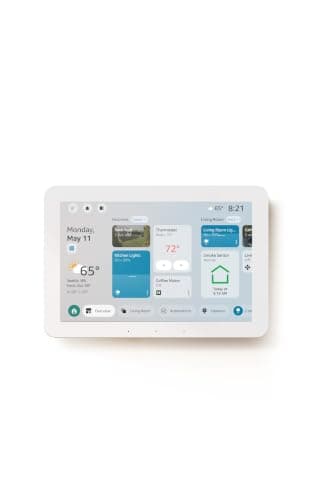
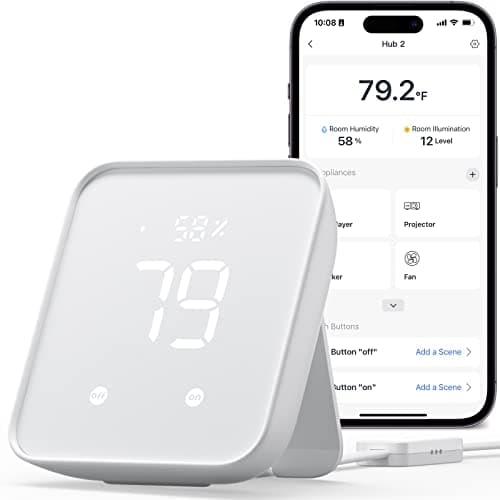
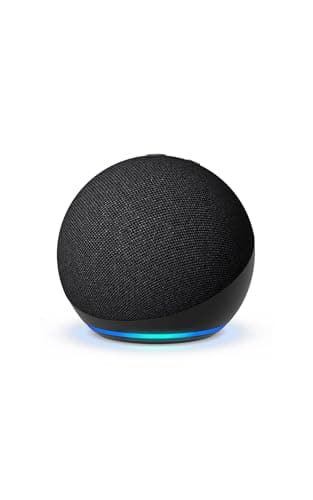
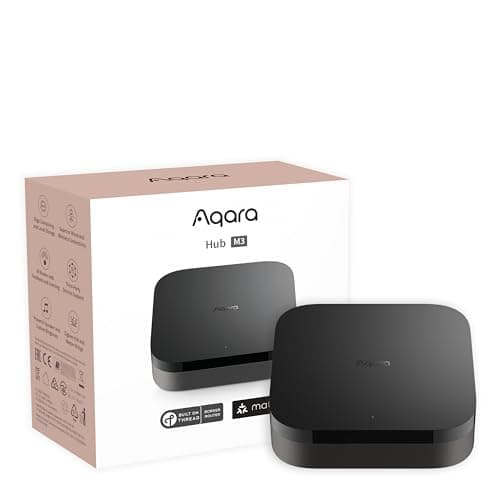
A smart home hub earns its place by doing one unglamorous job well: speaking the wireless languages your devices use, so they can all be automated from one app. That is the whole pitch. So instead of ranking these on looks or brand, we ranked them on the thing a product page buries — which radios and ecosystems each one actually supports — and put the answer in a single compatibility matrix you can read at a glance.
Before you buy anything, though, the honest question is whether you need a hub at all. If every device you own connects over Wi-Fi — most cameras, video doorbells, many plugs and bulbs — you may already be done, because those talk to your router directly. Hubs matter the moment you want the cheaper, more reliable mesh devices (Thread, Zigbee, Z-Wave sensors and bulbs) or a single dashboard tying brands together. We wrote a whole do-I-need-a-hub guidethat says "no" more often than a hub-seller would like.
If the words Matter, Thread, Zigbee and Z-Wave are a blur, read the Matter vs Thread vs Zigbee explainer first — the short version is that Matter is a cross-brand standard, Thread and Zigbee and Z-Wave are radios (low-power meshes), and a hub is the box that bundles those radios and runs your automations. A device can only be controlled if your hub speaks its radio, which is exactly why the matrix below is the most important thing on this page.
One caveat we repeat everywhere: we don't run a hub lab, and we don't hand out numeric scores. Everything in the matrix and the spec lists comes from each product's own listing and the manufacturer's documentation, read on the date in our methodology. Where a maker doesn't claim support for a protocol, we mark it "No" or "Not listed" rather than guess. That is the honest version of "how we chose," and it is the same method on every page here.
If your household has already settled on Alexa
This page ranks hubs without an ecosystem filter, which is right for a household still deciding. If the decision is already made, best smart home hubs for Alexa reorders the same field around the question that actually matters in an Echo house: which radios does the device carry, and which ones does no Echo have at any price.
Start with the ecosystem you already live in
The fastest way to narrow this list is to name the app you open every day. If it is Apple Home, you want a hub that exposes to HomeKit — that is the Aqara M3, and it rules out the Aeotec/SmartThings hub and every Echo, none of which do HomeKit. If it is Alexa, the Echo Hub or an Echo Dot slot straight in. If you are deep in SmartThings already, the Aeotec hub is simply the same platform in a better-radio box. Buying against your ecosystem is the single most common regret in this category, and the ecosystem comparison is worth ten minutes before you commit.
Then match the radios to the devices you own (or want)
Ecosystem gets you the app; radios get you the devices. If you own Z-Wave sensors, only the Aeotec hub here speaks Z-Wave. If you want the newest, fastest Matter accessories, you want a Thread border router — the Aqara M3 and the Echo Hub both are one. If your future is cheap Zigbee bulbs and sensors, the M3, the Aeotec hub and the Echo Hub all include a Zigbee radio; the SwitchBot Hub 2 and the Echo Dot do not. The matrix above is the whole decision in one screen.
If it is all Wi-Fi, you may not need any of these
We will say it plainly because most sites won't: a lot of people buy a hub they never needed. If your smart home is a few Wi-Fi plugs, a Wi-Fi camera and a video doorbell, a hub adds cost and a box to manage without adding much. A hub pays off when you commit to mesh devices or want cross-brand automations under one roof. If that is not you yet, keep the money and revisit the do-I-need-a-hub guide when it is.
Working through it yourself
If the ranking above does not settle it, the decision framework is in how to choose a smart home hub, and the three head-to-heads people actually run are Aeotec vs Amazon Echo Hub, SwitchBot Hub 2 vs Aeotec and Echo Dot vs Echo Hub.