A video doorbell is cheap to buy and can be surprisingly expensive to own, because the part you actually care about — the recorded clip of who came to the door — is often locked behind a monthly plan. So we ranked these four the way you should shop for them: by video shape, where the footage is stored, and what the whole thing costs over three years once any subscription is added in.
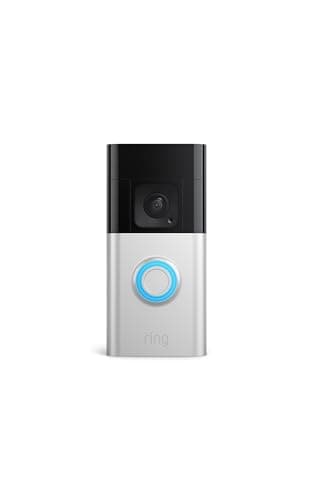
Our overall pick, the Ring Battery Doorbell Plus, wins for the widest range of homes because it is the tidiest to live with — one app for the doorbell, your cameras and the alarm, a tall Head-to-Toe image, and a battery you can pull and recharge. The honest catch is the fee: without a Ring Home plan you can watch live and get alerts, but you cannot open a saved recording. If that trade bothers you, it should, and you have good alternatives here.
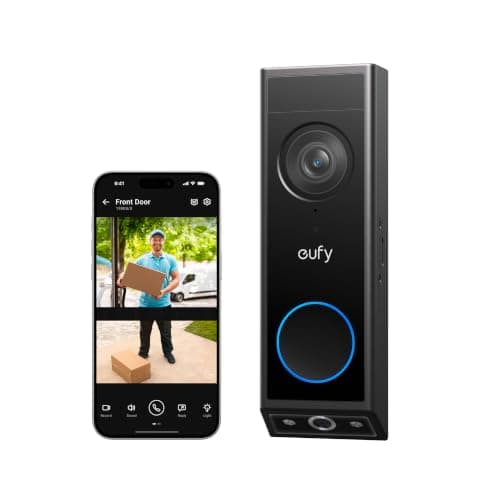
Because if you never want a bill, the eufy Video Doorbell E340 does the same core job and keeps its clips on 8GB of built-in storage for no monthly fee at all — which is exactly why it leads our no-subscription doorbell roundup. When a no-fee doorbell does the job as well as a subscription one, it is simply the better buy, even though the subscription products tend to pay us more. The storage guide explains what local versus cloud actually means for your footage.
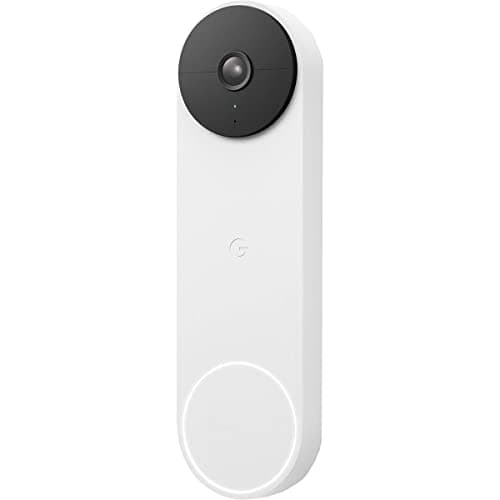
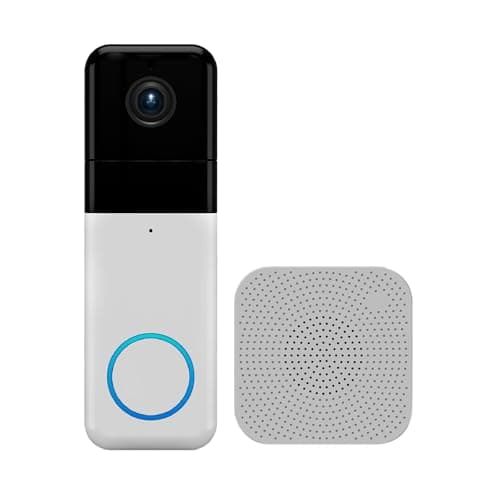
The two ecosystem doorbells split cleanly. Ring is the answer in an Alexa home; the Nest Doorbell (Battery) is the answer in a Google Home one, with free on-device AI that names people, packages, animals and vehicles — though its history plan costs more per month than Ring's. We put the two side by side in Ring vs Nest if you are deciding between them. Wyze rounds out the list as the value option: 1440 HD, a chime in the box, and free local recording for the tinkerer willing to pop in a microSD card.
One caveat we repeat on every page: we don't run a doorbell lab. We compiled the manufacturers' published specs, confirmed each doorbell's storage and ecosystem support from the maker's own listing and support docs, and did the multi-year cost math you can check yourself below. Where a figure came from someone else's testing, we say so. None of these doorbells support Matter or Apple HomeKit today, so you will live in the brand's own app plus Alexa or Google.
How to actually choose
Start with storage, because it sets your running cost for years. If you never want a bill, buy a doorbell that records locally — the eufy E340 keeps clips on built-in 8GB, and the Wyze Pro records to a microSD card. If you are happy to pay for cloud convenience, or you are already inside Ring or Google, a subscription doorbell is fine; just put the plan in your budget from day one rather than discovering it at checkout.
Then match the doorbell to your ecosystem
This is where doorbells are stricter than cameras. Ring lives in Alexa; Nest lives in Google Home; neither crosses over gracefully, and none of them appear in Apple Home, because none supports HomeKit or Matter. If you have picked a voice assistant, let it pick your doorbell. If you have not, the ecosystem comparison is the read that settles it.
Finally, mind power and the view shape
Every doorbell here can run on battery or be hardwired to existing doorbell terminals; wiring means you never recharge. On shape, a tall Head-to-Toe or square 1:1 view is worth seeking out — it shows a visitor head-to-toe and a parcel left on the step, which a wide, short image crops out. If you are on a doorbell because you have no wiring or weak Wi-Fi at the door, read the no-Wi-Fi doorbell guide before you buy — the options there are narrower than the marketing suggests.
If package alerts are the specific reason you are shopping
It is worth knowing that only some doorbells publish package detection as a distinct feature, and that a standard widescreen frame at the recommended mounting height often cannot see the doormat at all. Which models commit to it, which put it behind a plan, and which simply have a frame tall enough to include the floor is laid out in best video doorbells with package detection.