This list is only full-replacement deadbolts - locks that swap your existing mechanism for a keyless one, keypad and all. We deliberately left off the retrofit August Wi-Fi Smart Lock, because it works differently: it keeps your old deadbolt and clamps a motor onto the inside. If that sounds like what you want, it leads our broader best smart locks roundup instead. Everything below actually replaces the lock.
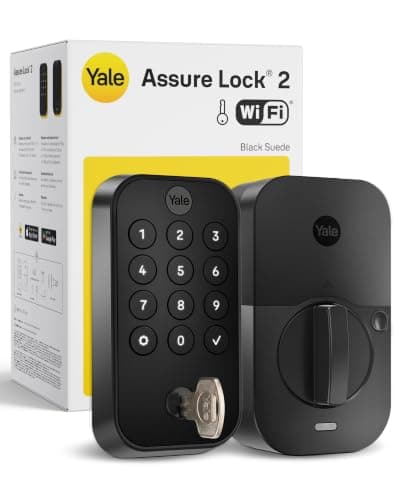
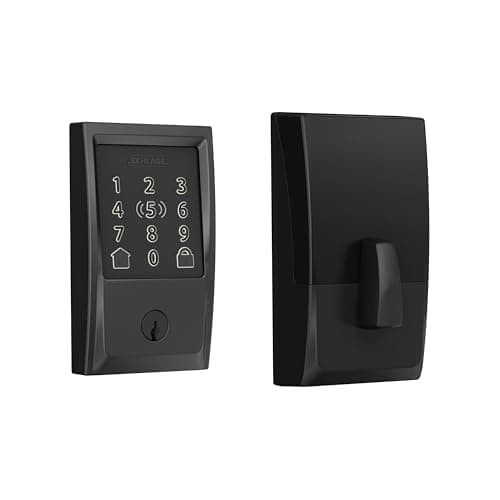
Within full-replacement deadbolts, the decision is still an ecosystem decision. We read each lock's own listing and manufacturer page and recorded only the platforms it names, then built the compatibility matrix below from that. Two of these four - the Schlage Encode Plus and the Level Lock+ - carry Apple HomeKit and Apple Home Key, so an iPhone or Apple Watch can tap to unlock. The Yale Assure Lock 2 (in this Wi-Fi module configuration) and the Kwikset Halo are built for Alexa and Google homes.
Why full-replacement, and what it changes
Replacing the whole deadbolt gets you a purpose-built smart lock: a clean keypad, a proper motor, and - on the Apple models - Home Key hardware designed in from the start. The trade is that you are changing the exterior of your door, which matters if you rent. If you own, it is usually the better experience, because nothing is bolted onto a lock that was never meant to be automated. Installation is a standard job: remove the old deadbolt, fit the new one with the included template, and pair it in the app.
Security grade and build quality
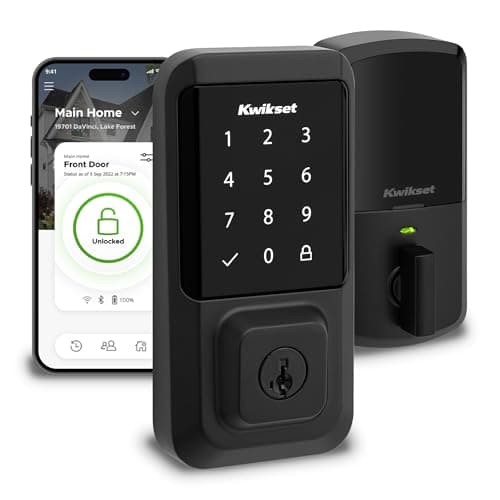
A smart deadbolt is still a deadbolt, so the physical side matters as much as the app. The industry measures that with security grades, and it is worth knowing what the badge on a box actually means. Traditional deadbolts carry an ANSI/BHMA grade (Grade 1, 2 or 3) for how they hold up to force and wear; some smart locks, like the Kwikset Halo here, also advertise a manufacturer grade and a UL listing - the Halo's own listing states Grade AAA and UL listed. Those marks tell you the bolt and housing were tested to a standard, not just that the electronics are clever.
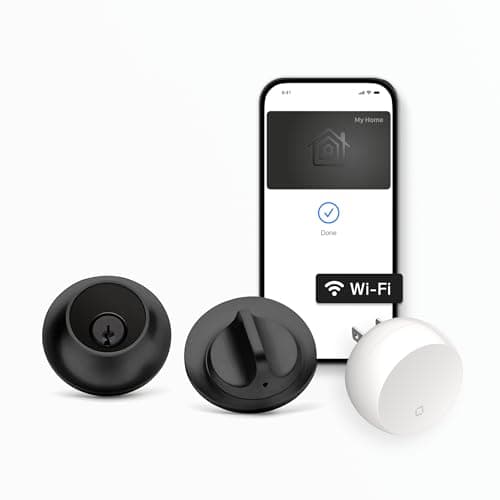
For most homes, any of these four is physically stronger than the builder-grade deadbolt it replaces, because they use a full-throw bolt and a solid metal body. Where they differ is finish and feel: the Schlage and Kwikset wear a substantial keypad face, the Yale keeps a slimmer touchscreen, and the Level hides its hardware entirely. If you live somewhere exposed to weather, check the specific model's rating for outdoor use, and match the finish to your existing door hardware so the lock looks intentional rather than bolted on.
Keypad, keyway and Matter
Three of these four have a touchscreen keypad so guests can enter with a code; the Level Lock+ is the exception, trading the keypad for a hidden look. Most full deadbolts here also keep a traditional keyway or a physical-key backup, which is your fallback if a battery ever dies - our guide on smart locks without powercovers those backups in detail. On Matter: none of these listings claims it as of our review date, so every row reads "No" or "Not listed." If Matter is central to your plans, read Matter vs Thread vs Zigbee and confirm the exact model first.
As always, we did not test these in a lab. We compiled published specs, verified ecosystem support from each maker's own materials, and read owner sentiment - the full method is on the methodology page.
Pick by ecosystem first
If you live in Apple Home, the Schlage Encode Plus is the safe default and the Level Lock+ is the discreet alternative - both do HomeKit and Apple Home Key. If you live in Alexa or Google, the Yale Assure Lock 2 and Kwikset Halo are built for you and cost less than chasing Apple features you will never use. Matching the lock to the hub you already own is the single most important call here.
Then pick by how you want to get in
Want a code for guests and kids? Take a keypad lock - Schlage, Yale or Kwikset. Want the lock to vanish into the door? The Level Lock+ is the one. Want to tap a phone and skip codes entirely? The Schlage and Level both support Apple Home Key. Decide the entry method before the brand and the choice narrows quickly.
Confirm the backup before you buy
A smart deadbolt should never leave you stranded. Check that your chosen model includes a physical keyway or a way to jump power to it, and note that all of these warn you well before the batteries die. Our without-Wi-Fi guide also explains what still works when your internet drops - short version: the keypad and keys always do.