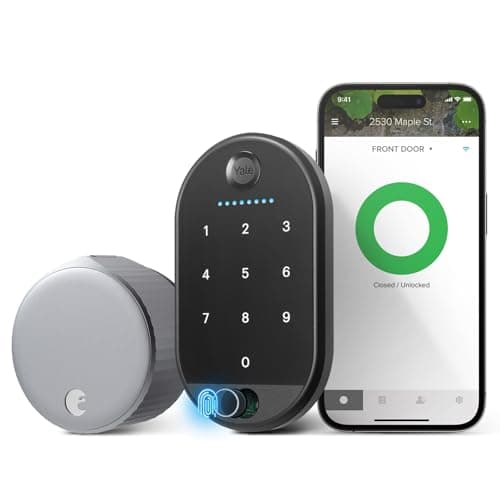
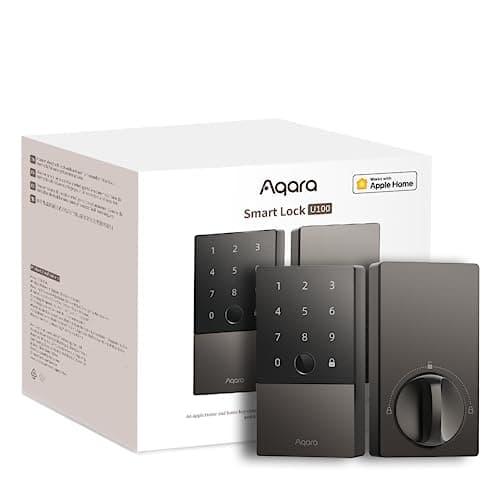
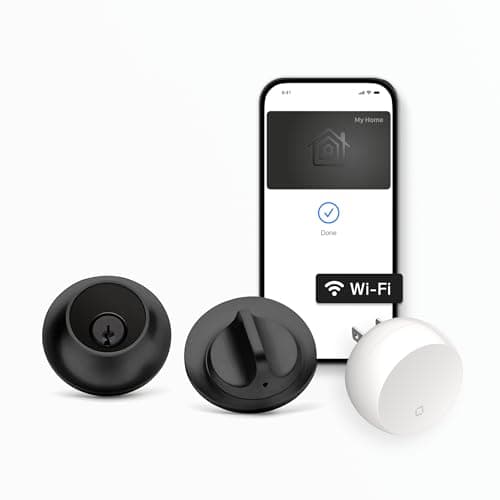
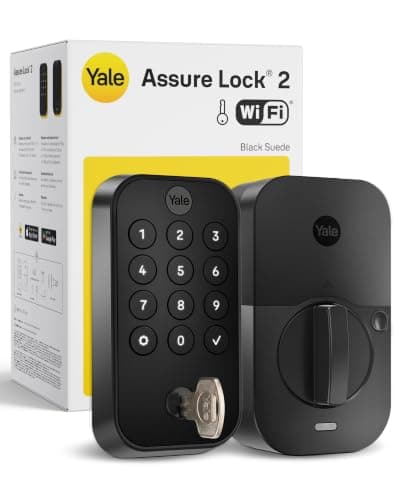
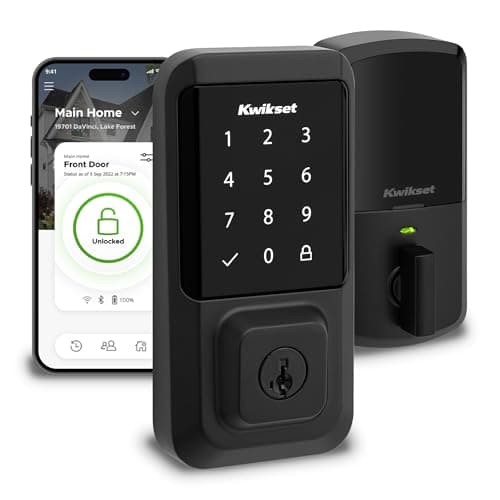
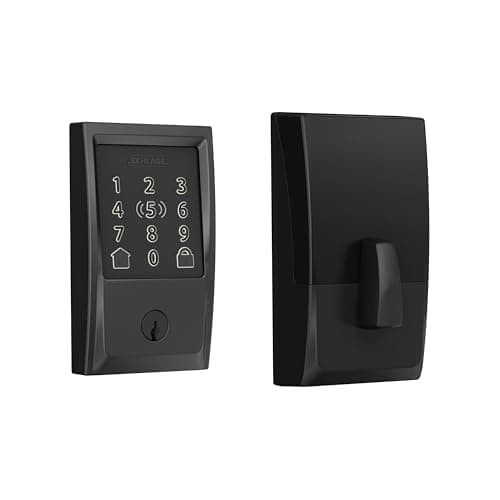
We ranked these six locks the way you will actually live with them: by whether they fit the phone, the voice assistant and the front door you already own. A lock that will not appear in your Apple Home, or that will not fit over your existing deadbolt, is the wrong lock no matter how good its reviews are. So ecosystem compatibility, not a spec sheet, leads every pick here.
That focus is deliberate, because it is the single question a product listing works hardest to blur. "Works with Alexa" on the box tells you nothing about whether the lock shows up in Apple Home, whether you can tap your iPhone to unlock it, or whether it needs a separate hub to reach the internet at all. We read each lock's own Amazon listing and manufacturer page, wrote down only the platforms it actually names, and built a side-by-side compatibility matrixfrom that. If a listing does not claim a platform, we mark it "Not listed" rather than assume it.
The three questions that decide a smart lock
One: which ecosystem is your home built on? If you live in Apple Home, you want HomeKit and, ideally, Apple Home Key so you can tap an iPhone or Apple Watch to unlock. Only three locks here do Home Key: the Schlage Encode Plus, the Level Lock+ and the Aqara U100. If your home runs on Alexa or Google, the August, Yale and Kwikset picks are aimed squarely at you.
Two: retrofit or full replacement? The August Wi-Fi Smart Lock is a retrofit - it clamps onto the inside of your existing deadbolt, so the exterior and your keys stay exactly as they are. Every other lock here is a full-replacement deadbolt that swaps the whole mechanism. Renters and anyone who wants to keep their current keys should read our August vs Schlage comparison, which is really the retrofit-versus-replacement decision in miniature.
Three: does it need a hub to reach the internet? Five of these locks have Wi-Fi built in (or, for the Yale, a Wi-Fi module) and talk to your network directly. The Aqara U100 is Bluetooth on its own and needs an Aqara hub for remote and voice features. That is not a flaw - it is a different design - but it changes what you have to buy. If you want the lock to keep working when the internet is down, our guide on whether smart locks work without Wi-Fi walks through exactly what still functions.
A word on Matter
You will notice every lock here reads "No Matter" in the matrix. That is not an oversight. Matter for locks is real and growing, but none of these specific listings claims it as of our review date - so we do not claim it for them. If you are trying to future-proof around Matter, read Matter vs Thread vs Zigbee first, then check the exact model and firmware before you buy, because Matter support on locks often depends on the specific module or a firmware update rather than the brand name.
One honest caveat, the same one on every page here: we do not run a lock lab. We compiled published specs, confirmed each lock's ecosystem support from the manufacturer's own listing and support docs, and read aggregated owner sentiment. Where a figure came from someone else's testing, we say so. Our full method is on the methodology page.
Two pages to read alongside this one
If you are weighing tiers rather than models, how much does a smart lock cost explains what each price step actually buys and the four extras that change the total — a bridge, batteries, new keys and door prep. And if the lock is going on an older parent's door rather than your own, best smart locks for elderly parents reorders the same field around phone-free entry, a working physical key and remote access for the family.
If auto-unlock is the feature you are actually after
Only three locks we cover have makers that publish auto-unlock, where the door opens as you walk up. Best smart locks with auto-unlock ranks those three on what matters for the feature: the fallback when it does not fire, whether a door sensor is included so auto-lock behaves safely, and the phone settings that cause most of the failures people blame on the hardware.
How to actually choose
Start with your ecosystem, because it eliminates half the list in one step. Apple Home households should look first at the Schlage Encode Plus, the Level Lock+ or the Aqara U100 - the three here with Apple Home Key and HomeKit. Alexa or Google households can pick from August, Yale and Kwikset without losing anything they will actually use. Buying a lock outside your ecosystem means living in a second app, which is the most common regret owners report.
Then decide retrofit or replacement
If you rent, or you simply want to keep your existing keys and exterior hardware, the retrofit August is the obvious answer - it changes nothing a landlord would notice. If you own your home and want a clean, keyless deadbolt, the full-replacement locks (Schlage, Yale, Kwikset, Level) give you a keypad, Apple Home Key or both. Our best smart deadbolts roundup covers only the full-replacement options if that is the route you are taking.
Then match keypad, fingerprint and power to your door
Want guests to enter with a code? Choose a keypad lock (Schlage, Yale, Kwikset, Aqara). Want to skip even the code? The Aqara U100 adds a fingerprint reader, and the Apple Home Key locks let you tap a phone. Want the lock to disappear? The Level Lock+ hides in the door. On power, nearly all of these run on standard batteries with plenty of low-battery warning; our guide on what happens without power explains the backup keyway and jump-terminal options so a flat battery never locks you out.
Two questions to settle before you buy any of them
First, will it physically fit? American door hardware is standardized enough that the answer is usually yes, but five measurements decide it and a retrofit lock sidesteps four of them — will a smart lock fit my door walks them in order. Second, do you own the door? If you rent, the deciding factor is whether the exterior of the door changes at all, which rules the replacement locks above out and the retrofits in — best smart locks for renters ranks that field on its own terms.