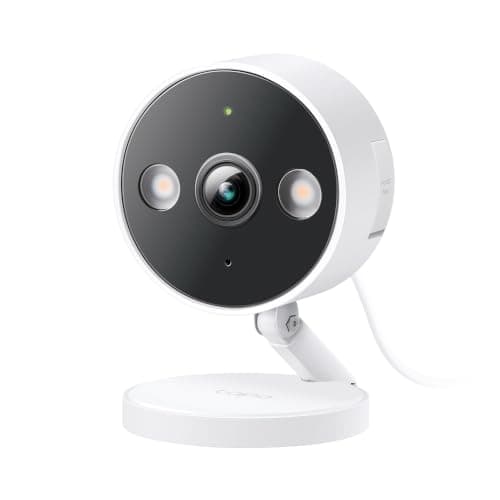
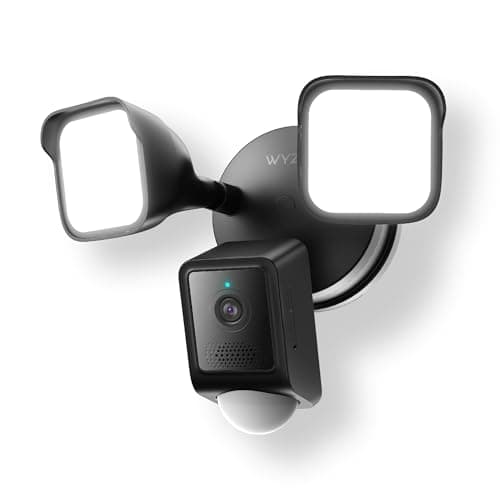
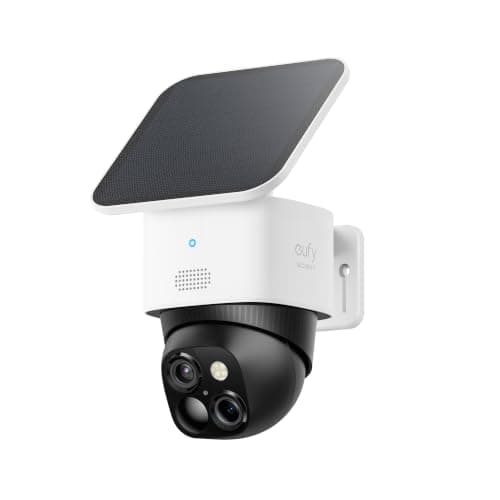
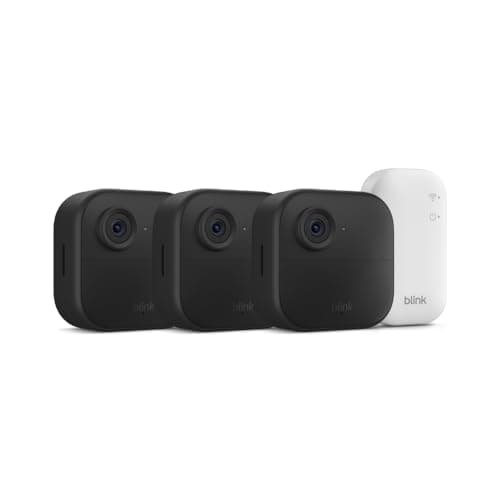
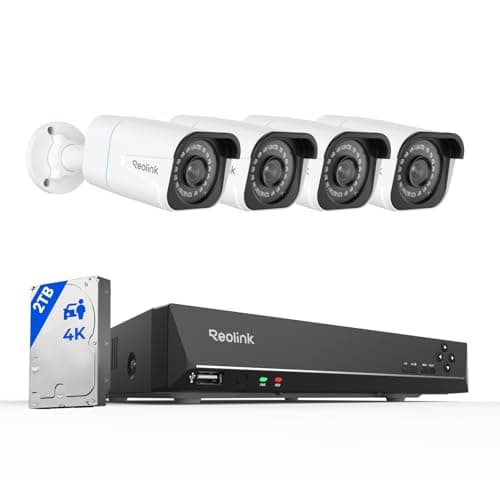
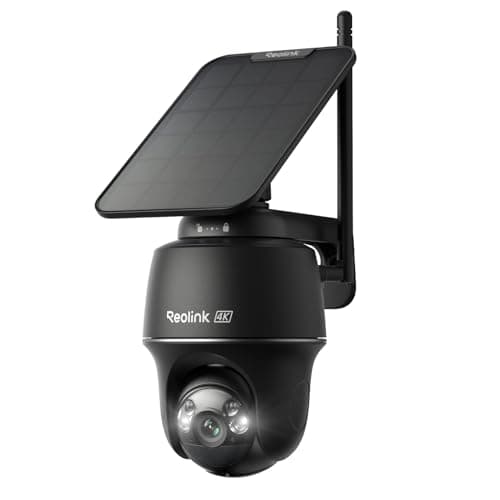
"Local storage" is one phrase covering three completely different architectures, and the difference between them is the difference between a camera that annoys you and one that does the job. Footage can live on a card inside the camera, on a drive attached to a base station the cameras talk to, or on a recorder wired to every camera. All three avoid a monthly fee. Only one of them survives the camera itself being taken, and only one gives you weeks of retention rather than days.
Architecture one: a card in the camera
The simplest and the cheapest. A microSD card goes in the camera, the camera writes to it, and that is the entire system. Four of the six picks above work this way. There is nothing to set up beyond inserting a card, no extra box, no extra cost, and no account involved in the recording.
The two limits are storage and physical security. A card tops out at a few hundred gigabytes, which is days rather than weeks once you are recording 4K. And the recording is physically inside the thing a burglar can see from the driveway. Neither is a reason to avoid card storage - they are reasons to mount cameras high and to not expect a month of history. Our SD card camera page goes deeper on choosing and maintaining the card itself.
Architecture two: a base station
The cameras talk to a hub that sits indoors, and the hub holds the storage. eufy's HomeBase system works this way, and Blink's Sync Module 2 does a simpler version of it with a USB drive. The advantage is exactly the thing cards cannot do: the recording is in a cupboard, not on the wall outside, so stealing the camera does not steal the evidence.
There is a trap in this category and the Blink Outdoor 4 is the clearest example of it. The kit includes a Sync Module Core, and the Core does not record anything. Local clip storage requires a Sync Module 2 and a USB drive, both bought separately. Nothing about that is hidden - it is on the listing - but it is easy to buy a "local storage" Blink and discover it saves nothing. We cover that specific path on our Blink local storage page.
Architecture three: an NVR
A network video recorder is a box with hard drives that every camera is wired into. The Reolink RLK8-800B4 ships with a 2TB drive and four 4K cameras. It records all four channels continuously, with no plan, and 2TB is weeks of history rather than days.
This is categorically the best local storage available, and the reason most people do not buy it is the cable. Every camera needs an ethernet run back to the recorder. If you are building or renovating, run the cable - you will never regret it. If you are renting, this is not your category, and the card-based picks above are the right answer. Our wired camera systems page covers the field.
Clips or continuous, and why it changes everything
Most local-storage cameras record on motion. The camera detects movement, wakes, and writes a segment. That is efficient and it is what makes a card last. It also means the camera decides what is worth keeping, and it decides late - the clip begins after the trigger, which is reliably a second or two after the part you needed.
Continuous recording solves that, and two picks here do it: the Wyze Floodlight v2 to a 256GB card, and the Reolink NVR to a 2TB drive. If you have ever watched a motion clip start on an empty driveway with a car door already closing, you know why this matters.
What local storage does not get you
Being honest about the trade: cloud storage has one real advantage, and it is offsite backup. A fire, a flood or a thief who takes the recorder destroys local footage in a way the cloud survives. If that risk is the one you care about most, the sensible shape is not "cloud everything" - it is local recording on every camera plus a plan on the one camera that watches the front door. The point of this site is that the fee should be a decision you made deliberately, not a default you inherited from the setup wizard. Local vs cloud camera storage works through both sides.
How we picked
Every camera here is in our product registry, every specification is quoted from the seller's own live Amazon listing read on 2026-11-21, and every price is pulled live rather than typed in. We do not run a test lab and we say so plainly on the methodology page. There are no scores on this page, because a score would be a number with nothing behind it.
Five questions that decide which kind of local storage you need
How many cameras will you end up with? One or two: a card. Three or four wire-free: a base station. Four or more wired: an NVR. Getting this wrong means buying twice, and the usual mistake is starting with cards and then wanting a month of history.
How far back do you need to see? A card gives you days. A 2TB NVR gives you weeks. If the thing you are worried about is something you might not notice for a fortnight - a slow theft from a yard, a neighbour dispute - cards are the wrong architecture.
Does the camera record out of the box? The eufy S340 and the Reolink NVR do. The card-based picks need a card. The Blink kit needs a Sync Module 2 and a USB drive, because the Sync Module Core in the box does not record. Check this before you compare prices.
Do you need the storage out of the camera? If the camera is reachable from the ground, assume it can be taken. A base station or NVR puts the recording indoors; a card does not.
Which features still need a plan? Local storage holds footage; it does not unlock cloud AI. Cameras that run detection on-device - the Tapo C120 publishes person, pet and vehicle detection - keep the useful part of smart alerting with no subscription at all.