Hosting a short-term rental is a different problem from equipping your own home. You are not optimising for comfort or for clever automations; you are reducing the number of things that can go wrong in a property you are not standing in, used by people who have never been there before. That narrows the field dramatically. Four principles decide what is worth buying.
One: read the camera policy before you buy a camera
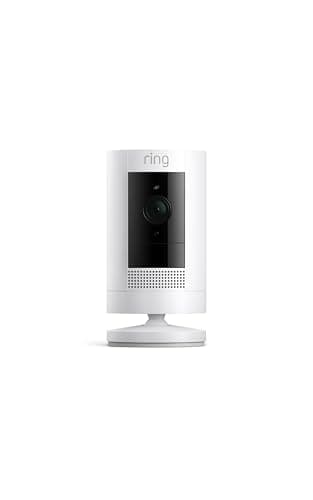
This is the only item on the page with a rulebook, and getting it wrong is the one mistake that can end your hosting rather than annoy a guest. Airbnb's security devices policy, effective 30 April 2024, states that hosts are not allowed to have security cameras and recording devices that monitor any part of a home's interior. Hidden cameras were already prohibited and remain so. Exterior cameras and recording devices are allowed, but hosts are required to make sure their location is disclosed in the listing description — and the disclosure has to describe each device, where it is, and whether it will be switched on or off. Noise decibel monitors, which measure sound level without recording audio, are allowed indoors but not in bedrooms, bathrooms or sleeping areas, and also require disclosure. Other smart home devices such as voice assistants are allowed, with disclosure encouraged rather than required.
Two practical consequences. First, the indoor camera you may have been considering for the hallway is not an option, and a doorbell camera needs to be genuinely exterior-facing. Second, write the disclosure before you mount anything, because the wording lives in your listing rather than in an app. If you also rent on other platforms, check each one's rules separately — they do not match. For what a camera can and cannot do legally outside platform policy, see are home security cameras legal.
Two: the lock pays for itself in handovers, not in security
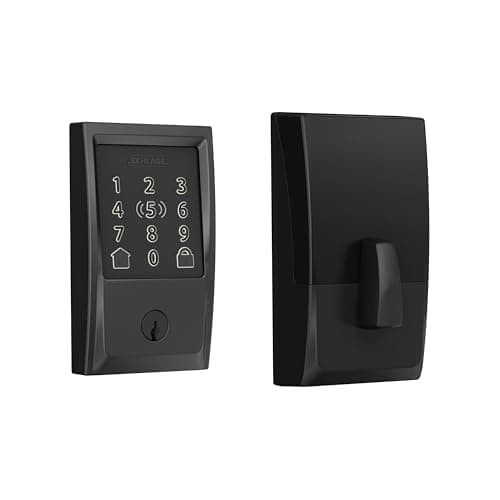
Almost every host who buys a smart lock describes the same payback, and it is not burglary-related. It is the end of key logistics: no lockbox code shared with four previous guests, no cleaner holding a key, no driving across town because somebody locked themselves out, and no rekeying the door when a key does not come back. A unique code per booking, issued in the check-in message and deleted at checkout, replaces all of it.
The specification that matters for this is built-in Wi-Fi, because a code you cannot change remotely is barely better than a key. The second is a large, legible keypad, since your guests arrive at night, in the rain, with luggage, having never seen the door before. The full field of locks for this job is in best smart locks for Airbnb, and if you want to understand code management properly, how to share smart lock access with guests covers the mechanics of temporary, scheduled and one-time codes.
Three: the expensive failures happen in an empty house
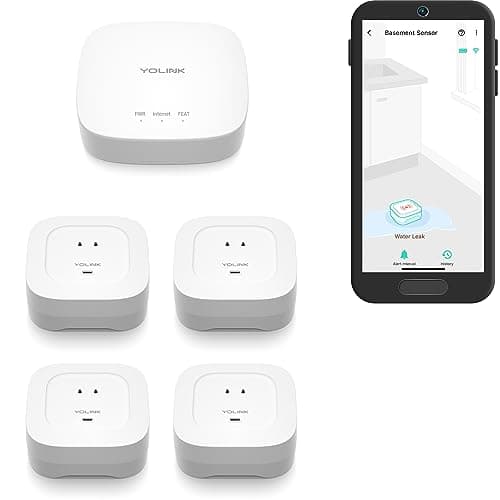
Hosts tend to buy for the occupied property and lose money on the empty one. A short-term rental can sit unoccupied for days at a stretch, and that is when a slow leak under a sink, a failed water heater or a heating outage in a cold snap turns into a five-figure claim and weeks of blocked calendar. Water and temperature sensing is the highest-return purchase on this page after the lock, and it is cheap.
Two things to get right. Put sensors at the low points — under the sink trap, beside the water heater, behind the washing machine, at the lowest point of a basement — not in the middle of a floor. And check the radio reaches: a Wi-Fi sensor in a crawlspace or a detached garage is a sensor that will fail silently, which is why the long-range kit above is the pick here. The wider field is in best water leak detectors.
Four: every device is one more thing a guest can unplug
This is the principle that should stop you buying more. Each device you add to a rental is something that can be unplugged, reset, factory-reset, covered with a towel or complained about — by someone with no reason to care whether it works. That argues for a small number of boring, robust devices rather than a clever interlocking system: no hub that everything depends on where you can avoid it, no automation that fails confusingly, and nothing whose failure is invisible to you.
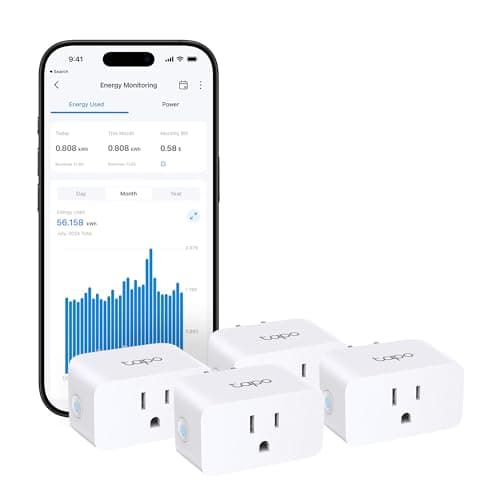
Three practical habits follow. Label the hub and the router "please do not unplug". Put the router itself on a smart plug so a dropped internet connection is a remote power cycle rather than a call to a neighbor. And check every device's battery and online status as part of your turnover routine, because a sensor that has been offline for three weeks is worse than no sensor — it is a false sense of coverage. For the wider set-and-forget question, do I need a smart home hub is worth reading before you commit to anything that depends on one.
What not to buy for a rental
A few categories are popular with hosts and rarely worth it. Smart thermostats with occupancy learning get confused by irregular occupancy and can leave a property cold for an arrival. Voice assistants are allowed by policy but invite privacy complaints and support questions for very little benefit. Elaborate lighting scenes break in ways a guest cannot fix. And a full alarm system with professional monitoring is a poor fit for a property where strangers come and go on a schedule you manage — false alarms and dispatch fees arrive quickly. If you do want an alarm, no-subscription home security systems is the safer shape for a rental than a monitored contract.
What to buy in what order
First, the lock. It is the only device on this page that changes your daily workload rather than insuring against an event. Everything else is risk management; this one gives you time back on every single booking.
Second, water and temperature sensing. Cheapest insurance per dollar on the page, and the only item here protecting against a loss large enough to matter.
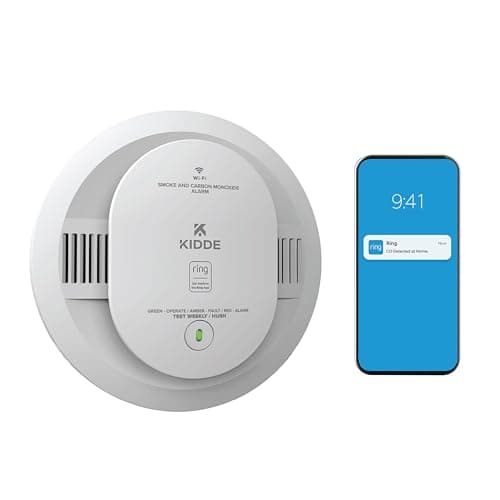
Third, smoke and CO with remote alerting. Check your local short-term-rental regulations first — many jurisdictions specify alarm type, placement and testing for rented accommodation, and those rules outrank any product recommendation.
Fourth, the exterior camera, with the listing disclosure written before it goes up. And a plan for the subscription, because an unrecorded camera settles nothing.
Fifth, plugs — including one for the router. The cheapest items here and the ones that most reduce remote-support phone calls.