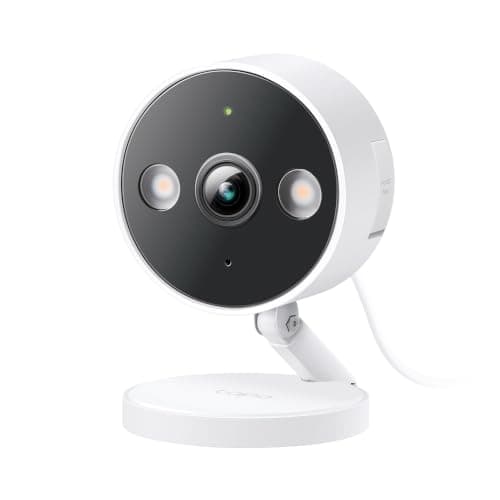
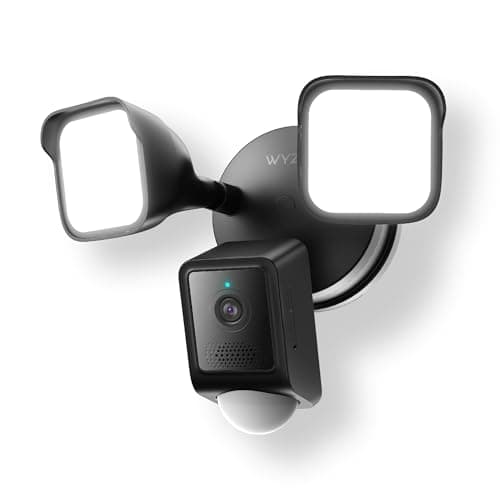
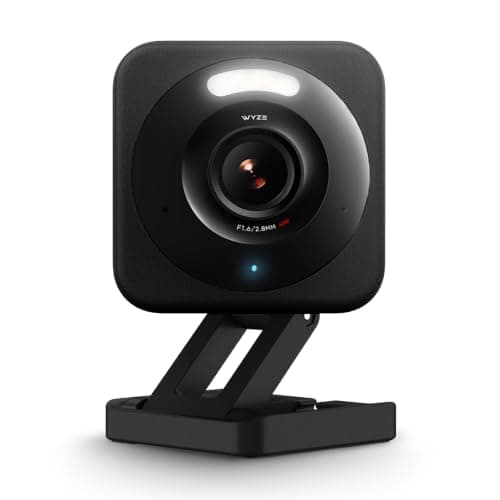
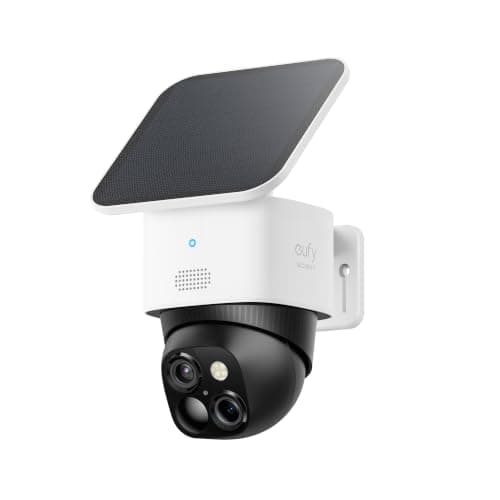
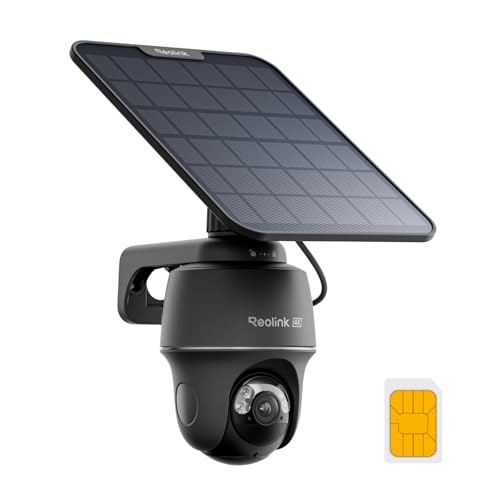
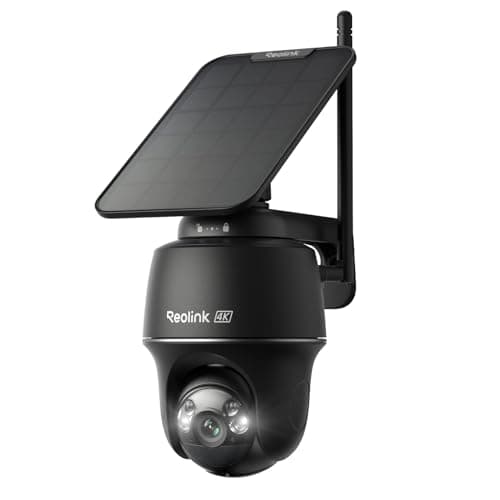
A microSD slot is the cheapest way to cancel a subscription you have not signed up for yet. The card sits in the camera, the footage is written to it, and no plan expiry, price rise or account lockout can reach it. That is the whole appeal, and it is a good one - but the slot on its own is not the specification that decides this purchase. Three other things do, and every listing is quiet about at least one of them.
Does it record continuously, or only on motion?
This is the question that separates the cameras here, and it is the one most buyers do not think to ask until the first time they need footage. Five of the six picks above record clips: the camera detects motion, wakes up, and writes a segment to the card. The Wyze Floodlight Camera v2 is the exception - its listing publishes 24/7 local recording to a card up to 256GB with no plan required.
Continuous recording matters for two reasons. It captures the seconds before the motion sensor triggered, which is reliably where the useful part of an incident is. And it captures things motion detection ignores - a car that sat at the kerb for twenty minutes without anyone getting out. The trade is storage: a card recording continuously fills and overwrites far faster than one holding clips, which is why the ceiling Wyze publishes matters.
What still needs a plan, even with a card in
Here is the thing nobody advertises: on some cameras the card changes where the footage is stored but not what the camera can do. Person detection, package detection, activity zones and rich notifications are often cloud features, and a card does not bring them back.
That is why the Tapo C120 is the budget pick on this page rather than simply the cheapest option. TP-Link runs person, pet and vehicle detection on the camera itself, so the feature that actually determines whether your phone is useful survives having no plan. Wyze puts its richest event tagging behind Cam Plus. Neither is dishonest - but if you buy a card camera expecting the full experience for free, that is where the disappointment comes from. Our no-subscription camera roundup ranks the whole field on exactly this question.
Buy the right card, and buy it with the camera
A security camera writes to its card constantly, which is a workload consumer microSD cards are not designed for. Three rules cover it. Buy a high-endurance or surveillance-rated card, not the cheapest one with the biggest number. Check the maximum capacity the camera actually publishes - the Wyze Floodlight v2 says 256GB, exFAT, which is far more information than most listings give. And format the card in the camera rather than on a laptop, because the camera writes the filesystem it expects.
One more, learned the hard way by everyone eventually: check the card is still being written to every few months. A silently failed card is the worst failure mode in home security, because you believe you are covered right up until the moment you need the footage.
The card is in your house, and that cuts both ways
Local recording means nobody else holds your footage. It also means the footage is in the same building as the thing you are protecting, and a camera that gets taken has the evidence inside it. That is the honest counter-argument to local-only storage and it is the one real advantage cloud recording has.
There are two sensible answers. Mount cameras out of easy reach, which you should do anyway. Or use a camera whose card lives somewhere other than the camera - a base station or an NVR - which is what our local storage roundup covers. It is also perfectly reasonable to run a card for everyday use and keep a cloud plan on the one camera that watches your front door. The point of this site is that the fee should be a decision you made, not a default you inherited.
How we picked
Every camera above is in our registry, every spec is quoted from the seller's own live Amazon listing read on 2026-11-21, and every price is pulled live rather than typed in. We do not run a test lab and we do not pretend to - see the methodology page. There are no scores on this page because we have nothing to score with.
Five checks before you buy an SD card camera
Ask whether it records continuously or in clips. If you want the thirty seconds before the event, you need continuous recording, and on this page only the Wyze floodlight publishes it. Every other pick writes motion-triggered segments.
Check which features survive with no plan. The card stores footage; it does not unlock cloud AI. Person detection on the camera itself - which the Tapo C120 publishes - is the feature that most determines whether you keep notifications switched on.
Buy a high-endurance card, and buy it now. A camera writes to its card constantly. A cheap card will fail, usually silently, usually at the worst time. Check the capacity ceiling the camera publishes and format the card in the camera.
Mount it out of reach. Local storage means the evidence is inside the camera. That is a real risk and the fix is free: height, and an angle that is hard to reach without a ladder.
Test the card every few months. Pull a clip from two weeks ago. If it is there, you are covered. If it is not, you found out on a Tuesday instead of after a break-in.