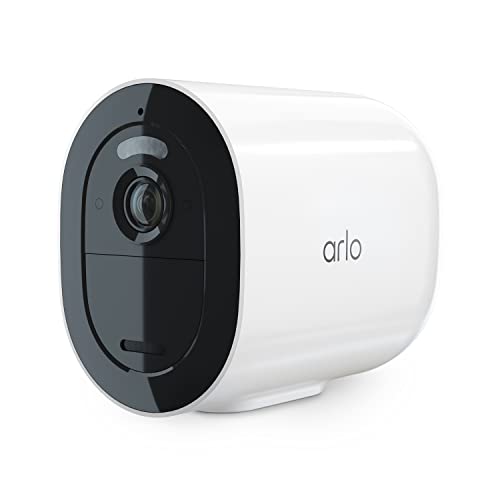
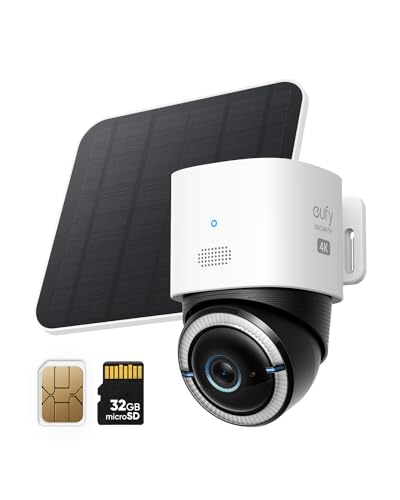
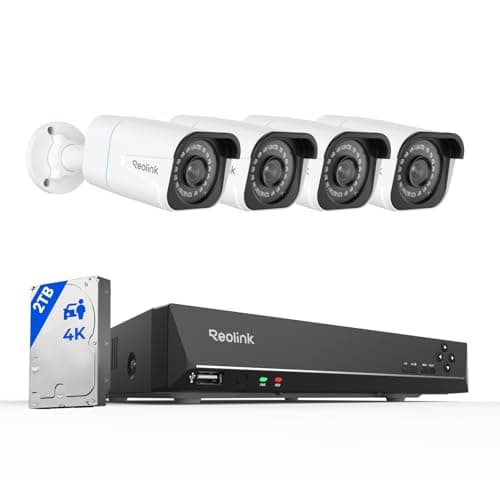
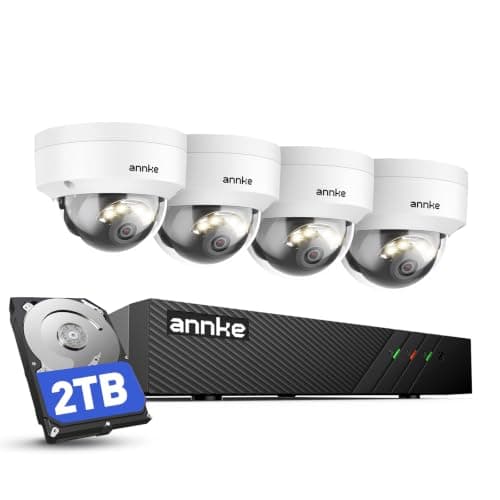
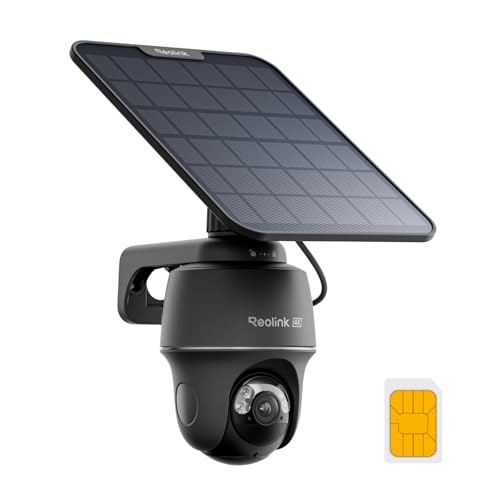
"Security camera without Wi-Fi" is really three different problems wearing one search box, and the right camera is completely different for each one. Before you look at a single spec, answer this: is there internet at the property? If the answer is no, you need a cellular camera with its own SIM, and a mobile data plan is simply the price of the category. If the answer is yes and the problem is only that the Wi-Fi does not reach the corner of the lot, you need a cable, and a cellular camera would be an expensive mistake. And if the answer is "mostly, when the weather is good", there is now a third option that does both.
Option one: a cellular camera, for a property with no internet
A cellular security camera has an LTE modem and a SIM slot, exactly like a phone. It connects to a mobile network, not to your router, which is why it works at a hunting cabin, a gate at the end of a long drive, a storage lot, a building site or a field. Three of the five picks above are this kind of camera, and all three also record to a card in the camera, so the footage exists whether or not the data plan is live.
The honest catch, on a site about avoiding monthly fees: a cellular camera has a monthly fee. It is not a camera subscription - none of these three require one to record - but a SIM needs a mobile data plan, and that plan is a recurring bill. What you are buying is a camera in a place where literally nothing else works, and that is usually worth it. What you should not do is buy a cellular camera for a garden that is forty feet from a router.
Option two: Power over Ethernet, for a property with internet and no reach
This is the option most people on this search have not considered, and it is the cheapest per camera and the most reliable by a wide margin. In a PoE system one ethernet cable runs from a recorder to each camera, and that single cable carries both the power and the video. There is no Wi-Fi involved anywhere: not between the camera and the recorder, not between the recorder and the drive. Footage lands on a hard drive in your house.
The cost is labour, not money. Running cable through a roof space or along a soffit is a real job, and it is the reason most people reach for a battery camera instead. But if you are already contemplating a cellular camera and a data plan because the Wi-Fi will not reach, a cable run is almost always the better answer - it never drops, never queues, and never charges you per gigabyte. Our best wired security camera systems page covers that field in full.
Option three: duo-mode, for Wi-Fi that comes and goes
The eufy 4G LTE Cam S330 publishes a 4G and Wi-Fi duo-mode: it uses Wi-Fi when the network is reachable and falls back to its own cellular radio when it is not. That is the newest answer in this category and it suits a surprisingly common situation - a detached garage, a boat, a seasonal property, a house whose router gets turned off when the family leaves. It also happens to be the cheapest way to run a cellular camera day to day, because every clip that travels over Wi-Fi is a clip you did not pay mobile data for.
What "works without Wi-Fi" does not mean
Two claims get muddled in this category and both deserve stating plainly. First: nearly every battery camera with an SD card will keep recording if your Wi-Fi goes down, because the card is in the camera. That is not the same as working without Wi-Fi - you will not get an alert, you will not see live view, and you will not know anything happened until you climb up and pull the card. If your actual requirement is "keeps recording during an outage" rather than "works at a property with no internet", the cheaper cameras on our SD card camera page will do.
Second: no camera here works with no power. Cellular solves connectivity, not electricity. The Reolink Go PT Ultra and the eufy S330 both solve that with solar, which is why off-grid buyers tend to end up on solar cameras - the best solar security cameras page ranks that field. A PoE camera takes its power down the same cable as its data, which is the other elegant answer.
The data plan question, answered honestly
We do not publish carrier pricing on this page, because mobile plans change constantly, vary by country and vary by whether you use the camera maker's own SIM or your own. What we can tell you is the shape of the decision: resolution and clip length drive data use, 4K uses far more than 1080p, and continuous cloud recording over cellular is not realistic on a normal plan. The sane configuration for every cellular camera here is the same - record continuously or on motion to the card in the camera, and let the cellular link carry only alerts, thumbnails and the clips you choose to pull. Set it up that way on day one and the data bill stops being a surprise.
How we picked
Every camera above is in our product registry, every spec quoted is from the seller's own live Amazon listing read on 2026-11-21, and every price on this page is pulled live rather than typed in. We do not run a test lab and we do not pretend to - the methodology page says exactly what that means. We excluded cameras that need Wi-Fi to function even though they hold footage during an outage, because that is a different question and it has its own page.
Four checks before you buy a camera with no Wi-Fi
Check cellular coverage at the exact spot, not at the house. Stand where the camera will go, with a phone on the carrier you plan to use, and look at the bars. One bar at the gate is not a camera, it is a disappointment with a data plan. No spec sheet can answer this for you and it is the most common reason a cellular camera disappoints.
Decide whether you need remote viewing at all. A surprising number of people on this search want a camera that records what happens at a property they visit weekly. If that is you, a PoE system or even an SD-card camera with no connection at all does the job, and you have just saved yourself a monthly data bill.
Price the SIM before you compare cameras. The Arlo Go 2's listing says the SIM is sold separately; the Reolink and eufy picks include one. That changes the real order of these prices, and it is the kind of detail that only shows up after you have bought.
Set recording to local, alerts to cellular. Every cellular camera here records to a card. Configure it so the card does the recording and the mobile link only carries notifications and the clips you ask for. It is the difference between a predictable data bill and a nasty one.