Smart locks are one of the few smart home categories where the purchase price is close to the total cost, because almost nobody in this category has worked out how to charge you monthly for unlocking your own front door. That makes the arithmetic refreshingly simple compared with cameras — but there are still four extras that change the total, and one of them regularly doubles the cost of a cheap lock.
What the price tiers actually buy
The jumps between tiers are not arbitrary and they are not mainly about build quality. In order, this is what each step up gets you.
Entry tier. A retrofit module that drives your existing deadbolt, or a basic keypad deadbolt. These are usually Bluetooth-only, which is the single most important thing to notice at this price: Bluetooth means you can unlock when you are standing at the door, and nothing else. No remote unlocking for a cleaner, no checking from work whether you locked it, no issuing a code to a guest while you are out. Adding those needs a bridge, and the bridge is frequently a third to a half of the lock's price again.
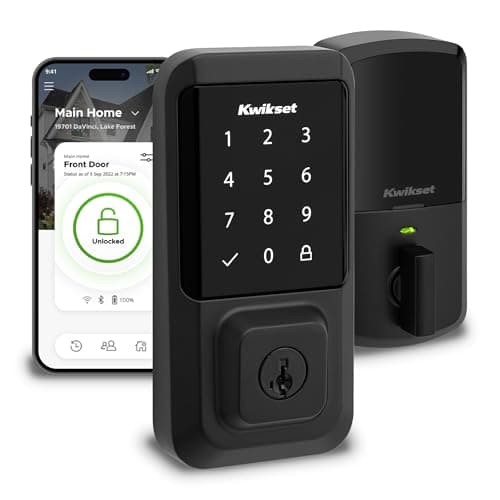
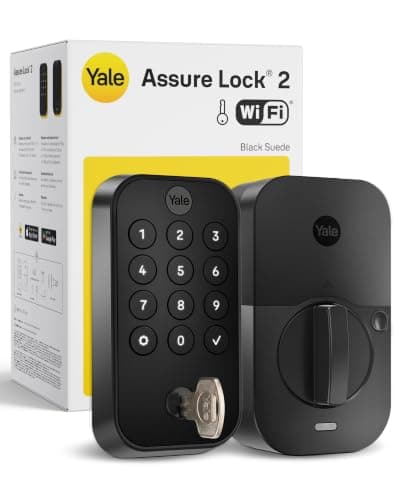
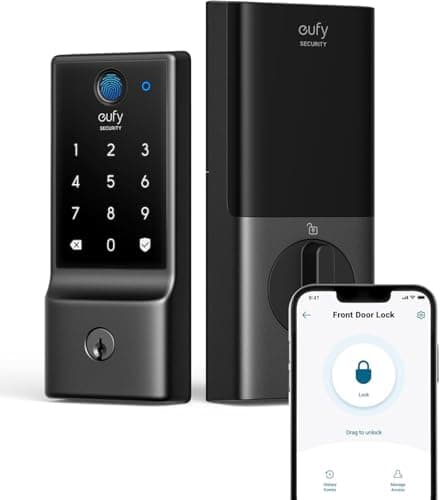
Value tier. This is where built-in Wi-Fi starts, and it is the most important threshold on the whole page. A lock that reaches the internet by itself does everything people actually buy smart locks for with no second device to buy, set up or replace. At this tier you also start seeing fingerprint readers. The trade is usually weather sealing and security rating: splash-resistant rather than fully weatherproof bodies, and lower ANSI/BHMA grades.
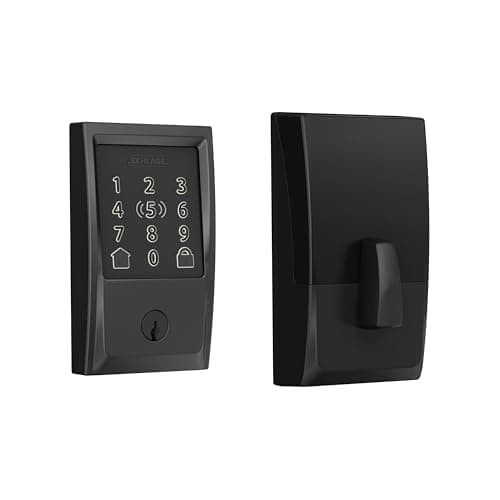
Mid tier. Lock manufacturers rather than consumer electronics brands, better keypads, higher security grades, more weather sealing, and module systems that let you change how the lock connects later. This is the tier most people should buy at for a front door that is used by strangers or exposed to weather.
Premium tier. Apple Home Key, the clearest touchscreens, the most discreet designs, and the full deadbolt bodies from the oldest names in locks. The honest summary is that you are buying convenience and finish rather than a meaningfully more secure door.
Hidden cost one: the bridge, and why it catches people out
This is the big one. A great many of the cheapest smart locks are Bluetooth-only, and the features in the marketing — remote unlock, guest codes issued from your phone anywhere, voice control, notifications when the door opens — require the lock to be reachable from the internet. That means either built-in Wi-Fi, or a separately sold bridge plugged in near the door.
Two consequences. The obvious one is money: a cheap lock plus a bridge frequently costs more than a value-tier lock with Wi-Fi already in it. The less obvious one is reliability — the bridge is one more device to lose power, fall off the network or be unplugged by someone tidying up, and when it does, the lock silently stops being smart. If you are comparing prices, compare lock plus whatever it needs to do the job you want, which is the point of Bluetooth vs Wi-Fi smart locks and do smart locks need a hub.
Hidden cost two: subscriptions — the good news
Here is the part worth stating plainly, because it is unusual. None of the locks on this page charges a monthly fee for any of its core functions. Unlocking, locking, keypad codes, guest codes, remote access, notifications and the access log all work for nothing, forever. That is a sharp contrast with cameras, where the feature you most want is routinely behind a plan — compare camera subscription costs if you want to see what the difference looks like over three years.
Two caveats. A handful of lock makers sell optional extras — an alarm-monitoring tie-in, cloud video from a paired doorbell, or a hosting-oriented service — and those are genuine subscriptions, just not for the lock itself. And a lock that depends on a wider platform (a camera ecosystem, an alarm system) can inherit that platform's fees. Read what you are buying, but assume the lock itself is a one-off purchase. Smart home subscription costs covers which categories do and do not charge.
Hidden cost three: batteries over the life of the lock
A smart lock is a motor that throws a deadbolt several times a day, and that is a real power draw. Most run on AA cells and most makers publish something between six and twelve months per set, which over the eight to ten years you will own the lock is a running cost worth noticing — modest in absolute terms, but it is the one line item here that recurs forever.
Three things change the number more than brand does. Door alignment: a bolt that has to fight a misaligned strike plate draws far more current than one that slides, and fixing the alignment is free. Auto-lock: convenient, and it means the motor runs on every single exit rather than only when you remember. And Wi-Fi versus Bluetooth: a lock holding a Wi-Fi connection uses more power than one waking for Bluetooth, which is part of why the cheapest locks claim the longest battery life. Smart lock battery life has the detail, and some makers also restrict which battery chemistry you may use, which is a shopping constraint as well as a cost.
Hidden cost four: keys, door prep and the install
Installation itself is usually free, and that is worth saying because people budget for a locksmith who is not needed. Most of these locks replace a standard deadbolt with a screwdriver in under an hour, and retrofit models such as the August fit on the inside without touching the exterior at all. Before you assume that applies to your door, check the three measurements that decide it — door thickness, backset and bore diameter — in will a smart lock fit my door, and read how to install a smart lock before you order.
Two real costs do arise. New keys: replacing a deadbolt invalidates every key in circulation, so budget for cutting keys for everyone who holds one — your own spare, a neighbor, a family member, a cleaner. Door prep: an older door with a non-standard bore, a misaligned frame, or a mortice rather than a cylinder deadbolt may need carpentry, and that is the one scenario where a trade visit becomes likely. If the door is unusual, measure first; it is much cheaper to discover the problem before the lock arrives.
Where spending more stops buying anything
Past the mid tier, most of the extra money goes on convenience and finish rather than security. Three specific things are worth paying up for if they matter to you: a higher ANSI/BHMA grade on a door that is genuinely exposed or heavily used, better weather sealing (an IP65 body rather than a splash-resistant one) on a door with no porch, and Apple Home Key if your household is iPhone-based and you want to tap rather than type. Three things are usually not worth paying for: a lock that is invisible from outside, a second connectivity standard you will never use, and any claim about security that is not an ANSI/BHMA grade.
One last piece of practical advice on timing. Lock prices in this category move a lot, and the same model can swing substantially across a year. The table on this page carries live prices with the date they were checked, so you can see where each tier currently sits rather than reading a figure written months ago. If you are not in a hurry, the discounting around major sale events is real — what actually discounts and when is worth a look. And if your budget is the constraint rather than the features, best budget smart locks is the page that starts from the price.