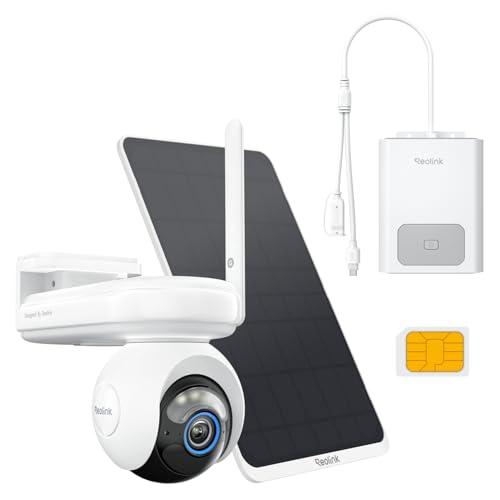
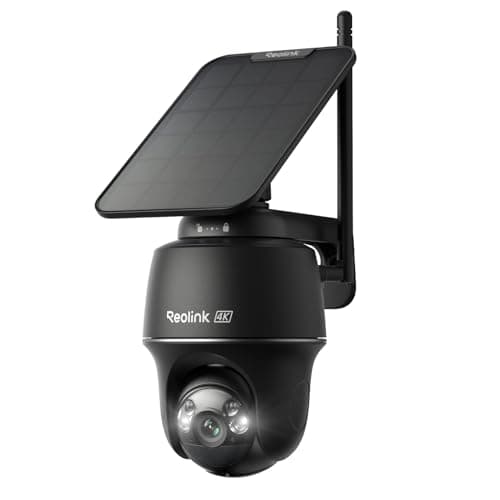
A pan-and-tilt camera has a motor in its neck. That is the whole product difference, and it is worth exactly as much as the coverage it buys you - which on a good mount is the work of two or three fixed cameras, and on a bad one is a slower, more expensive way of pointing at a fence. Before any specification, four things decide whether the motor earns its place.
The four things that decide a pan-and-tilt purchase
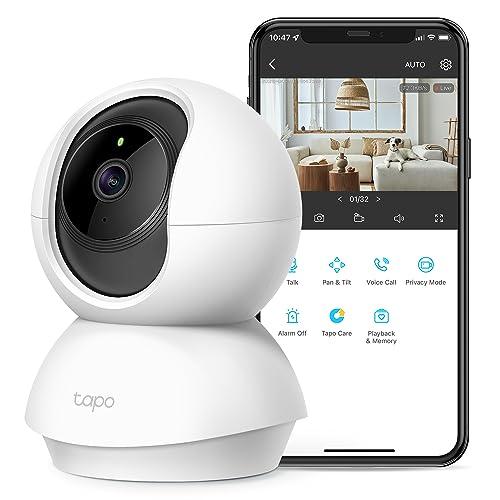
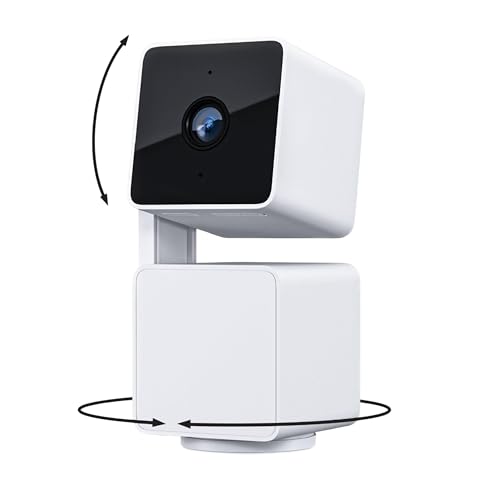
One: is it rated to go where you want to put it? This eliminates more wrong purchases than every other criterion combined. The cheap end of this category is dominated by indoor cameras, and an indoor camera under an eave is still an indoor camera. The Tapo C210 here is indoor only; the Wyze Cam Pan v3 publishes IP65; the three Reolink and eufy picks are built as outdoor cameras. Decide the location first and the shortlist writes itself.
Two: resolution, because a motor spends pixels. A fixed camera frames one scene and fills it. A panning camera covers a much wider arc, which means any given subject occupies fewer pixels when the head is turned towards it. That is why 1080p on a sweeping camera disappoints people who were happy with 1080p on a doorbell. The 4K picks here are 4K for a reason, and it is the single upgrade most worth paying for in this category.
Three: what powers the motor. Moving a camera head is the most energy-expensive thing a battery camera does. A pan-tilt camera on batteries alone, in a busy scene, becomes a maintenance task. Four of the six picks here are solar for exactly this reason; the two cheap ones are mains-powered, which solves the same problem with a cable. There is no third option worth recommending.
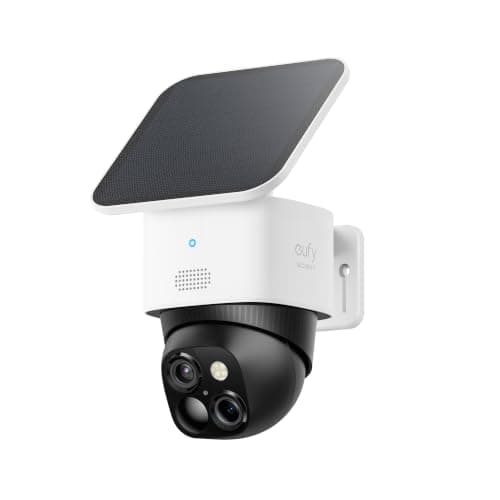
Four: where the recording goes. Every camera on this page records locally - to a microSD card or, on the eufy, to 8GB built into the body - with no subscription required. That is deliberate: a camera whose whole pitch is replacing three cameras should not also replace three monthly bills. If you want the full field ranked on that question rather than on the motor, start at best security cameras with local storage.
Pan and tilt, or just a wider lens?
It is a fair question and the honest answer is that a wide fixed lens is better for a scene you can define. A front door, a driveway entrance, a hallway - these have a right frame, and once a camera is aimed at it a motor adds nothing but a failure point. Pan and tilt earns its money on scenes you cannot frame in one go: an L-shaped yard, a garden with a shed at one end and a gate at the other, a large open-plan room, a garage with a door at each end.
There is a second use that people discover after they buy rather than before: a motorized camera is repositionable from your phone. Mounting a fixed camera is a commitment to one angle you chose from a ladder; a pan-tilt camera lets you fix a bad aim from the sofa, and lets you change what it watches by season. That flexibility is genuinely worth something even on a scene a fixed camera could cover.
What auto-tracking actually does
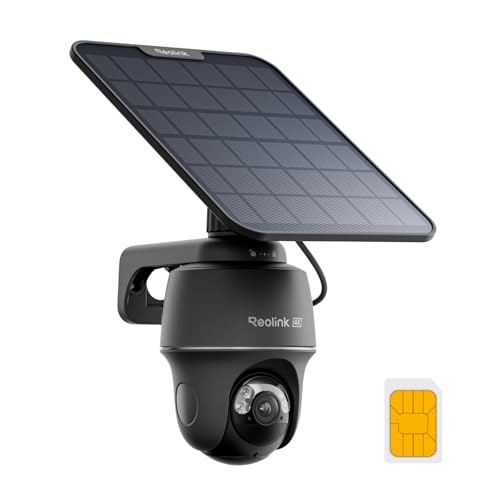
Two picks here publish tracking: the Reolink Go PT Ultra names smart auto tracking, and the eufy S340 pairs its motor with a second lens so less tracking is needed in the first place. Tracking means the head follows a detected subject across the scene instead of staying on a preset.
It is useful and it is oversold. Tracking helps most at a remote property where nobody is watching live - a gate, a lot, a cabin - because the camera makes the decision you would have made. It helps least in a busy domestic scene, where a head that chases every cat produces footage that is harder to review than a static wide shot would have been. If your scene has constant low-value motion, consider leaving tracking off and using presets instead.
The structural limit applies to all of them: a motorized camera sees where it is pointed. A head that is tracking a fox at the back fence is not watching the side gate. That is the one argument for two cheap fixed cameras over one good pan-tilt camera, and it is a reasonable argument. The Altas Go PT+ is the only pick here that attacks it directly, with continuous recording and a pre-record buffer rather than motion clips.
Indoor pan-tilt cameras are a different product
The Tapo C210 is on this page because it is a genuinely good camera and the cheapest motorized one we cover, but it belongs to a different use case from the rest. Indoor pan-tilt cameras are bought for pets, for a nursery, for an elderly relative's living room, for a home office you want to check on - scenes where the subject moves around a room and a fixed camera spends most of its time looking at an empty corner.
For that job, 2K and a siren and two-way audio for twenty-odd dollars is an easy purchase, and the usual security objections do not apply in the same way. What does apply: an indoor camera pointed into your home is a live video feed of your family, so a unique password and two-factor authentication are not optional. Can smart home devices be hacked goes through what actually happens when one is compromised, and best indoor security cameras covers that field properly.
List price or promotion?
Worth stating plainly, because prices in this category move constantly and this page is gated on the live listing rather than on numbers we typed in. When we checked on 2026-11-24, several of these picks were sitting on deep discounts rather than their normal prices - the Argus PT Ultra, the eufy SoloCam S340 and the Wyze Cam Pan v3 were all marked down substantially against their list prices. The ranking on this page is not built on those discounts: it is built on coverage, resolution, power and whether recording costs a fee. But the price on each buy button is pulled live and timestamped, so you will see the real number before we do.
How we picked
Every camera above is in our product registry, every specification quoted comes from the seller's own live Amazon listing read on 2026-11-24, and every price is pulled live rather than typed in. We do not run a test lab and we do not pretend to - the methodology page says exactly what we do instead. There are no scores on this page, because a score would be a number with nothing behind it. We excluded one pan-tilt camera we cover, the Reolink 2K+ 4G LTE solar camera, because it had no buyable offer on the listing when we checked.
Five checks before you buy a pan-and-tilt camera
Confirm the weather rating, not the marketing."Indoor/outdoor" in a product name is not a rating; IP65 is. The Tapo C210 is indoor only and says so. If the camera is going outside and the listing does not publish a rating, assume it should not.
Stand at the mount and decide whether you need a motor at all. If one angle covers the scene, a fixed camera at the same price gives you more resolution and one fewer moving part. The motor is for scenes that genuinely cannot be framed in one shot.
Plan the power before the camera. A motor is the hungriest component in a battery camera. Either run a cable or buy solar and site the panel for real sun - a pan-tilt camera on batteries alone in a busy scene is a recurring errand.
Set presets, then decide about tracking. Presets - a handful of saved positions the camera returns to - are more useful than tracking on most domestic scenes, and the Wyze pan-scan mode is built around them. Turn tracking on afterwards and see whether it helps or just chases wildlife.
Buy the card with the camera. All six record locally. Use a high-endurance or surveillance-rated microSD, format it in the camera rather than on a laptop, and pull a clip from last week every month or so - local storage fails quietly, and a silently dead card is the worst failure mode in home security.