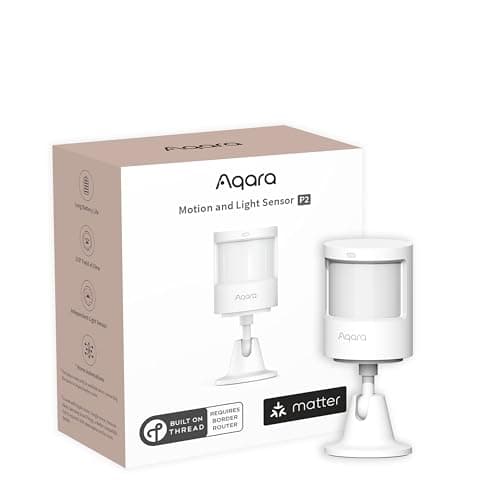
Motion sensors are the cheapest meaningful upgrade to a home security system and the most commonly switched off. Both of those facts have the same cause: a motion sensor is the only sensor that reports on a space rather than a thing. A contact sensor on a window is binary and never wrong. A motion sensor in a living room is making a judgement about a warm shape crossing a field of view, and whether you keep it armed comes down to how well that judgement matches your household — your pets, your layout and the ceiling it is stuck to. Four things decide it.
One: the detection pattern, not the range
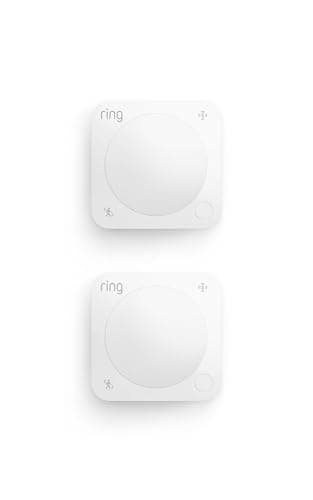
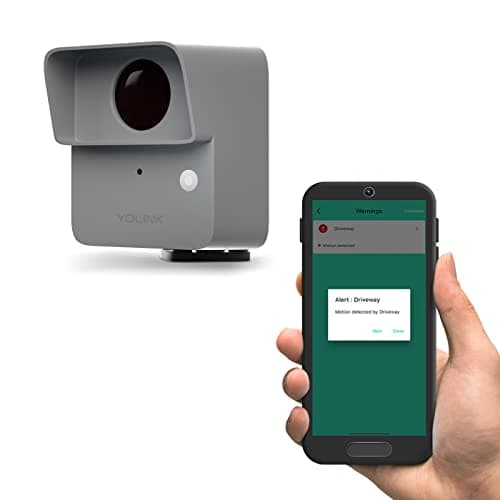
Every maker leads with a distance figure and it is the less useful half of the spec. What matters is the pattern— distance multiplied by the horizontal and vertical angle — because that is the shape of the volume being watched. The Aqara P2's 170 degrees across 23 feet is a wide, shallow fan: ideal stuck in a corner watching a whole room or a hallway junction. The Ring's 90 degrees across 30 feet is a narrow, long corridor: ideal pointed down a hall or at a single doorway, and poor at a room with two entrances. The YoLink's 60 by 30 degrees is a beam, which outdoors is exactly right and indoors would be nearly useless. Choose the shape that matches the space, then check the distance reaches the far side of it. Our guide to how home security sensors work covers the physics underneath those numbers.
Two: PIR or radar — and they are not competing
Four of the five sensors here are passive infrared. A PIR sensor watches for a change in infrared across a segmented lens, which means it detects a warm body moving and, crucially, stops detecting one that holds still. That is why a PIR-controlled light switches off while you are reading, and why PIR is nonetheless the right technology for almost every security job: an intruder moving through a house is exactly what it is built to catch, it draws almost no power, and it does not see through walls.
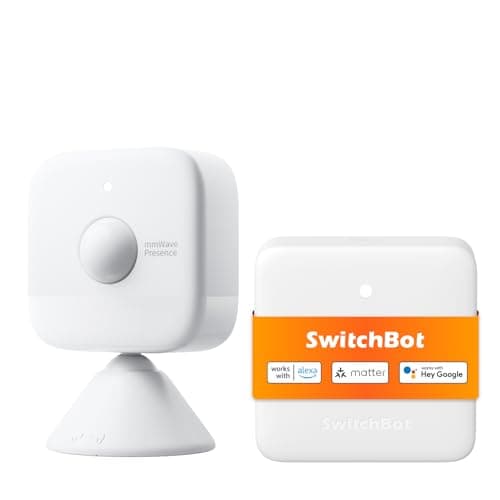
The SwitchBot is a mmWave radar sensor, which emits a radio signal and reads the reflection. It detects presence rather than movement — SwitchBot publishes up to 8 m for a moving person and 5 m for a stationary one — so it knows a room is occupied by someone sitting perfectly still. For lighting, comfort and occupancy automations that is a genuine upgrade. For intrusion detection it is not obviously better than PIR and it is harder to tune, because radar does not respect the edges of a room the way a lens does. Most homes should buy PIR sensors for security and consider one radar sensor for the room where somebody sits still.
Three: pets are the reason people disarm their systems
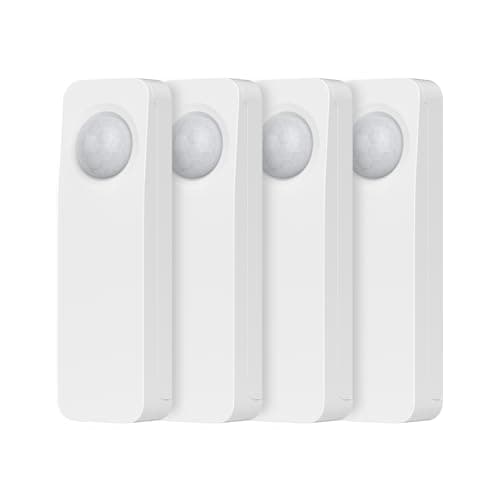
A sensor that triggers on a cat produces a false alarm, a false alarm produces an irritated human, and an irritated human disarms the system. Pet immunity on a PIR sensor is achieved by masking the lowest segments of the lens, which is why "pet-friendly" is really a statement about mounting height and animal size rather than a magic filter. The Ring publishes a pet-friendly mode and the THIRDREALITY a pet-friendly design; neither publishes a weight threshold, so treat both as helpful rather than guaranteed. Three practical fixes work better than any spec: mount the sensor high and angle it slightly up, aim it across a room rather than down at the floor, and use the sensor as a confirming signal rather than a trigger — motion and a door contact is a far better alarm rule than motion alone. We go through building rules like that in smart home security automations.
Four: the hub question decides what you can actually buy
This is where most motion-sensor purchases go wrong, because four of these five need something else to work. The Aqara P2 needs a Thread border router — an Apple TV, a HomePod, a newer Echo, a Nest Hub or an Aqara hub. The THIRDREALITY sensors need a Zigbee hub. The YoLink needs a YoLink hub. The SwitchBot bundles its hub in the box. Only the Ring, on Amazon Sidewalk, genuinely works with nothing else bought — and even then it wants the Ring base station to arm as part of an alarm. Before you choose a sensor, work out what you already own; it eliminates most of this page instantly. Start with do I need a smart home hub and, if Thread is new to you, what is a Thread border router.
What a motion sensor is not for
It is not a replacement for a camera and it is not a perimeter. A motion sensor tells you something is moving in a room; it cannot tell you who, and it has no record. Its job in a proper layered system is to be the interior catch — the sensor that fires when someone is already inside, having come through a route your door and window sensors do not cover. That is why the standard advice is contact sensors on the perimeter, motion sensors in the interior choke points (the hallway everyone must cross, the top of the stairs), and a camera where you need identification. The perimeter half of that is in best door and window sensors, and the full layered picture in best DIY home security systems. If what you actually want is to see who it was, best indoor security cameras is the right page.
Work out your choke points before you buy anything
Walk your house the way a burglar would and find the places anyone must pass through. In most homes that is a ground-floor hallway, the bottom or top of the stairs, and the landing. Two sensors in genuine choke points beat six sensors scattered in bedrooms, because an intruder can avoid a bedroom and cannot avoid the stairs. Then add sensors to the rooms with the easiest external access — a ground-floor room with a patio door, a garage that connects to the house. Everything after that is automation convenience rather than security, which is a perfectly good reason to buy more, but price it as convenience.
Mount high, aim across, and never point one at a heat source
PIR sensors read infrared change, so anything that changes temperature in their field of view can trigger them. The classic false-alarm sources are a radiator coming on, a wood stove, direct sunlight tracking across a floor, an air vent blowing warm air, and a south-facing window with a car windscreen reflecting through it. Mount at around 7 to 8 feet, angle slightly downward but not at the floor, aim acrossthe likely path of travel rather than straight down it — a PIR's lens segments detect lateral movement far better than movement toward the sensor — and keep the field clear of vents and glass. A sensor that false-alarms twice gets disabled, so this ten-minute decision matters more than the brand.
Decide whether you need the light sensor
Two picks here publish a built-in light (lux) sensor: the Aqara P2 and the SwitchBot. If any part of your plan is "turn the light on when someone walks in," you want one, because the alternative is a sunset-based schedule that is wrong on dull afternoons and wrong again in a windowless room. If your plan is purely security — arm the system, catch the intruder — the light sensor is irrelevant and you should spend the money on pattern and placement instead. Note Aqara's own caveat that the light reading is not exposed through Alexa, which matters if Alexa is where your automations live.
Put the outdoor sensor outdoors, not the indoor one under an eave
An indoor PIR sensor mounted under a porch roof will survive for a while and then fail, usually in a way that leaves it reporting motion continuously. Only the YoLink here publishes an IP rating, and that is the whole reason it is on the page: IP67 and a -4 F floor are what a gate, a driveway or an unheated garage actually demand. Outdoors also changes what you want from the pattern — a narrow beam aimed at a path, not a wide fan that triggers on every car and every branch. If driveway alerts are the goal, pair it with the camera coverage in best security cameras for driveways so the alert arrives with a picture attached. And if the spot you want watched should also be lit, a floodlight camera carries its own motion sensing and does both jobs from one fixture — the no-subscription version is reviewed in our eufy Floodlight Cam E340 review.
Budget the hub, and check it twice
A $27 sensor that needs a $60 hub is an $87 sensor the first time. That is fine if the hub is doing other work — and a Thread border router or a Zigbee hub earns its keep across sensors, locks and lights — but it has to be in the sum. Check compatibility against the actual hub model you own, not the brand: "works with SmartThings" and "works with an Echo with a built-in Zigbee radio" are different claims, and not every Echo has the radio. The hub field is ranked in best smart home hubs, with the Matter-specific options in best Matter smart home hubs.