What the second hundred dollars actually buys
We also rank the cameras under $100, and the honest summary of that page is that a hundred dollars buys a very good fixed camera: 2K or 2.5K, free local recording, color night vision, pointed at one spot, plugged into an outlet. It is enough for most front doors.
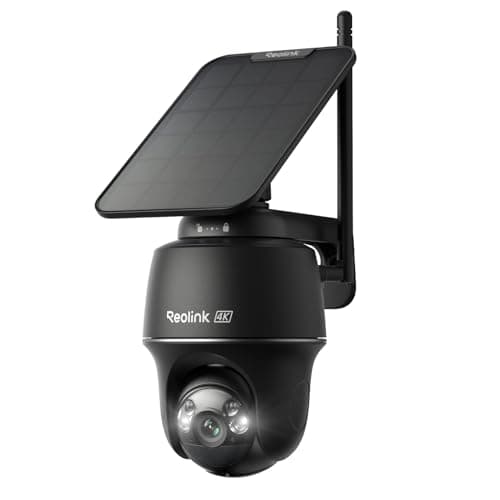
What it does not buy is independence from your wiring, or coverage of more than one view. That is exactly what the $100-to-$200 band adds, and it adds it in three specific ways. A solar panel removes the outlet from the decision entirely, which is the difference between covering your porch and covering your property. A pan-and-tilt head turns one camera into a camera that can look at several things, in sequence. And 4K roughly doubles the pixels across a wide outdoor scene compared with 1080p, which is where footage stops being a notification and starts being evidence.
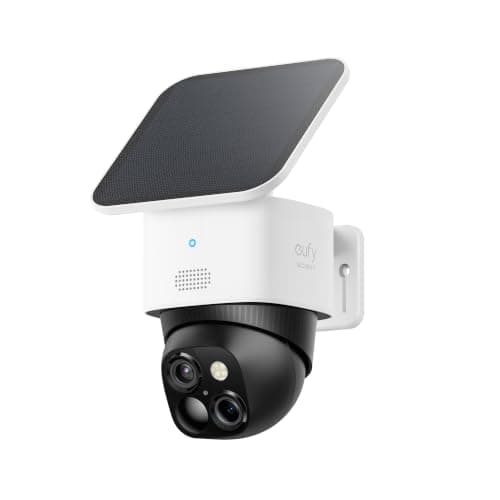
Two of the six picks here deliver all three at once - the Reolink Argus PT Ultra and the eufy SoloCam S340 - and they are the reason this page exists as something other than a longer version of the cheap one.
List price or promotion? Read this before you trust a ceiling
Camera prices in November are not camera prices in February, and a page that gates on price has to say which of its picks are under the line for real. On the listings we read on 2026-11-17:
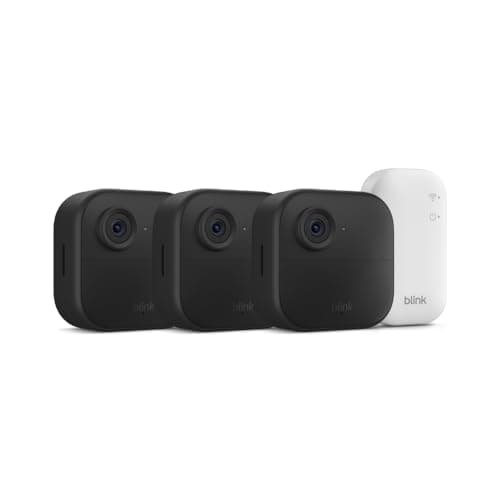
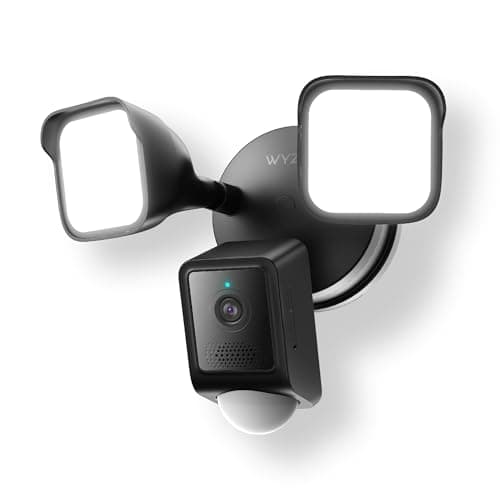
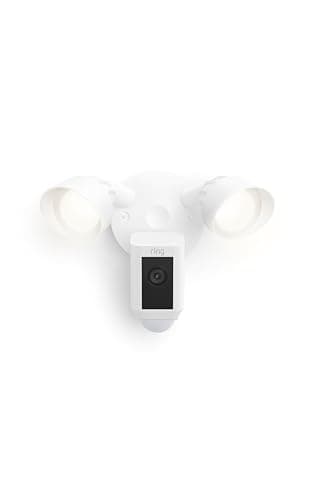
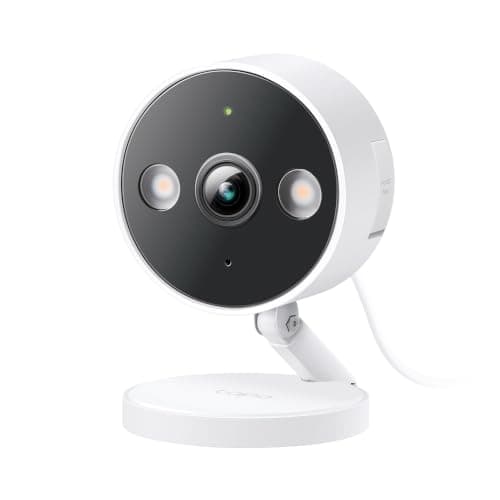
Under $200 at their normal price: the Reolink Argus PT Ultra at $166.99 with no struck-through list price, the Wyze Floodlight Camera v2 at $99.98, and the Tapo C120, whose $29.99 is a discount from $56.99 but which is nowhere near the ceiling either way. The Blink three-camera system at $65.99 is a deep discount from a $189.99 list, but even that list price sits under $200. The Ring Floodlight Cam Wired Plus at $89.99 is half its $179.99 list, which is also under the ceiling.
Under $200 only on promotion: the eufy SoloCam S340, at $139.99 against a $219.99 list - a 36% discount. When that discount ends, this camera is above the line and does not belong on this page. We have said so in its entry, in its cons, in the FAQ below and in the comparison table, so the page stays truthful after the sale rather than quietly misleading you.
This is also why we never type a price into a sentence on this site. Every number on a buy button is pulled live from the listing and timestamped, so the camera that crossed the line this morning shows you the real figure rather than our claim about it.
Solar is the feature to buy at this price - with one condition
If you take one thing from this page: at $100 to $200, buy the solar camera. Not because solar is glamorous but because power is the constraint that cannot be designed around later. A wired camera can only ever go where your electrics already are, and the positions that actually matter - the side gate, the back fence, the shed, the far end of a driveway - are almost never where an outlet is.
The condition is sunlight, and it is a real one. A 3W panel in a north-facing shaded corner under winter cloud will not keep up with a 4K camera that wakes up thirty times a day. Stand at the mounting point at midday and look up before you buy. If the answer is shade, buy a wired camera and run the cable properly - how to power an outdoor security camera covers the options, and best solar security cameras ranks the solar field in full.
Pan-and-tilt: more coverage, not more simultaneous coverage
Both $100-plus picks here have motorized heads, and the marketing language around them - 360-degree coverage, no blind spots - deserves a correction. A pan-tilt camera covers a wide area in sequence. At any single moment it is looking in one direction, and while it is tracking a person across your lawn it is not watching your front door.
That makes a pan-tilt camera excellent as the one camera on a property with several areas worth seeing, and a poor choice as the only camera on a single critical approach. If your situation is the second one, a fixed camera aimed properly is better, and where to place security cameras is worth more to you than any spec on this page. How many security cameras do I need works through the one-versus-several question by property type.
The monthly fee still decides the real price
Five of the six cameras here can save footage with no subscription: the Reolink to a microSD card up to 512GB, the eufy to 8GB inside the camera, the Wyze floodlight to a card up to 256GB and continuously rather than only on motion, the Tapo to a card, and the Blink to a USB drive if you add a Sync Module 2. The exception is the Ring Floodlight Cam Wired Plus, which has no local storage at all - without a Ring plan you get live view and notifications and nothing saved.
Over three years that gap is larger than every price difference on this page, which is why the cost table below runs the math rather than leaving it as a footnote. Security camera subscription costs has every plan tier, and best no-subscription security cameras ranks the field on this single question.
How we ranked these
In this order. First, the price ceiling: under $200 on the live listing, in stock, on 2026-11-17 - that is the entry requirement and nothing else gets on the page. Second, whether the camera does something a sub-$100 camera cannot, because otherwise you should be reading the cheaper page. Third, the power story, because it is the constraint that decides where a camera can go at all. Fourth, whether you can save and review footage with no monthly fee. Fifth, resolution and night vision type, which decide whether footage identifies anyone. Sixth, what the maker publishes about weather and temperature, as opposed to what the listing implies.
We do not score these cameras and we have not timed anyone's night footage, because we do not run a camera lab. Every specification on this page is the manufacturer's or seller's own published claim, read on the date in the sources below, and every price is pulled live from the listing rather than typed in by us. If you would rather start from the decision than from a price bracket, how to choose a security camera is the page that does that.
Five checks before you spend $200 on a camera
Stand at the mounting point first. Two questions answer themselves there: is there power within a cable run you would actually accept, and does the spot get real midday sun? Those two answers eliminate four of these six cameras immediately, which is faster than any spec comparison.
Decide whether you need one view or several. One critical approach wants a fixed camera aimed well. Several areas worth seeing want the pan-tilt pick. Three distinct blind spots want the three-camera system. Buying the wrong shape of coverage is the most expensive mistake in this bracket, and it is not a resolution problem.
Price the storage, not just the camera. A camera recording 4K continuously will chew through a cheap card. Look for a high-endurance or surveillance-rated microSD, check the maximum capacity the camera publishes - 512GB on the Reolink, 256GB exFAT on the Wyze floodlight - and format it in the camera rather than in a laptop.
Check your Wi-Fi where the camera goes, not at the router. The Reolink here can use 5 GHz, which helps with 4K clips; the Wyze floodlight is 2.4 GHz only. Walk out with your phone on the band the camera needs and look at the bars. A camera with two bars drops clips, and no setting in the app fixes a weak signal.
Harden the account on install day. A unique password and two-factor authentication, on every camera account, every time. A camera account is a live video feed of your home - can smart home devices be hacked covers what actually happens when one is compromised.